B-152 is a Russian SaaS that helps companies comply with personal data protection law

My role
Lead Product Designer. I owned the analysis of support tickets and product metrics together with the client's product team, prioritisation of UX changes by where the volume of support requests was actually coming from, the redesign of the affected components and patterns, an update of the base UI kit, the design of the onboarding flow and the new process-creation flow, and handoff to development.
The problem
B-152 is a service for personal data protection compliance under Russian law 152-FZ. The product had been running for a long time, and the brief wasn't a redesign or a visual refresh – it was a targeted set of UX changes aimed at one concrete metric: the volume of monthly support requests.
The signal was hard to ignore. Each month, a significant share of incoming support tickets was about the product's core functionality – users contacting support because they couldn't finish the work the product was meant to make easy. That's the metric we anchored on: find the flows that were generating the most support load and fix them.
The brief was to ship the changes with the highest leverage per unit of effort, not to rebuild the product.
Research
The starting point was one thing – the support data.
I went through monthly support tickets together with the client's product team and clustered them by what users were actually asking about. Two clusters dominated the volume:
- 152-FZ form errors. Users hit a validation error during form completion and then called support to ask what the error meant or how to fix it. I dug into why and saw the structural reason. 152-FZ violations aren't standard input-field errors – they're paragraphs of legal text with references to specific articles of the law. They look and behave fundamentally differently from ordinary field validation, but they were being shown in the same inline space. Users couldn't tell which field a violation referred to, couldn't scan the full set of violations at once, and the natural next step when they got stuck was to open a support ticket.
- Status changes in document tables. Users were asking how to change a status, or were unhappy with how the change worked. I walked through the actual interaction: a user wants to change a status, clicks the row, the sidebar opens, the user finds the status field inside it, changes it, closes the sidebar. On a high-frequency action, that friction produced visible support volume on its own.
In parallel I went through two adjacent flows that affected tickets indirectly but were still loud:
- Starting a new company in the product. A user would log in and have no idea where to begin – which entities to fill, in what order, which processes their type of business actually needs. A share of tickets was simply about "how do I start."
- Adding new processes. There are really three scenarios here (use a consultant-built template, copy from another company the same user manages, build from scratch), but the existing interface mashed all three into one path.
The takeaway: the biggest wins were not visual. They were structural. Move 152-FZ violations onto a dedicated surface – and rebuild it from scratch, not retouch. Make status edits a one-click action in the table. Give a new company a coherent way to start. Split process creation into three explicit paths. And tighten the base UI kit underneath all of that.
Hypotheses
- If 152-FZ violations get their own dedicated review surface – separate from inline field validation – users will recognise them as a different class of error and act on them without escalating to support. Tickets in that cluster should drop.
- If that surface supports comments and proper handling of attached files, teams reviewing the same form together will be able to coordinate inside the product instead of relying on email or chat outside it – and stop using support as the de facto coordination channel.
- If status changes in tables can be made directly from the row, the extra click through the sidebar disappears, the typical edit gets faster, and the support cluster around status changes drops alongside it.
- If a new company gets a short onboarding that adapts to its type of business and proposes a relevant set of processes upfront, time to the first working process will shrink – and a portion of "how do I start" tickets will go away.
- If process creation is split into three explicit paths (template, copy from one of my other companies, new process), users will land in the right scenario faster and stop getting lost in a single combined list.
- If the base UI kit (inputs, selects, buttons, statuses, error styles, the sidebar) is refreshed alongside the structural changes, the product will read as meaningfully updated to existing users without a full redesign.
Concepts
The right-hand panel for 152-FZ violations
The error-handling change was the most important call.
The original pattern surfaced 152-FZ violations inline, alongside ordinary field validation. That works when there's one short error. It falls apart when violations are paragraphs long, reference legal articles, and accumulate across the form – which is exactly the case here.
The product already had a right-hand panel – comments and errors lived there – but it wasn't worth iterating on. It was put together loosely: responsive layout broke at common breakpoints, attaching or removing a file inside a comment was unclear, and the container handled variable-length content poorly. So I didn't extend the old panel, I rebuilt it – both for the load 152-FZ violations actually put on it and for proper work with comments and files.
In the new panel, every violation is tied to its source field on the left, the full legal reference is visible, and each violation supports a comment with an attachment that can be added or removed without guesswork. Responsiveness is predictable now, and the panel holds up just as well with an empty state as with dozens of violations and long comment threads. It went from a passive list of errors to a working artefact for a team handling a form together.
Inline status editing in tables
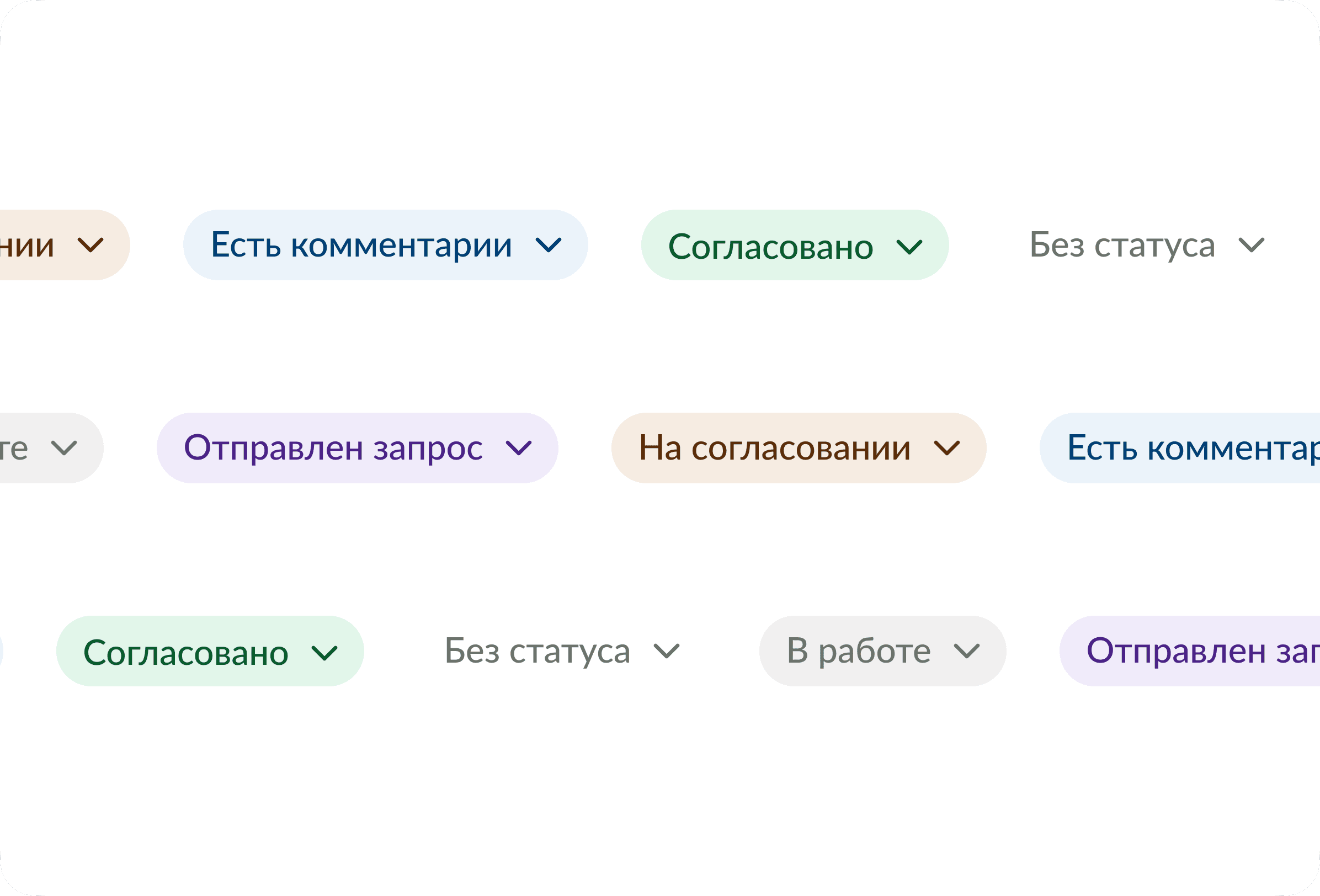
For the status tables, the change was smaller but on a much higher-traffic path: status becomes editable directly from the row. One click on the status cell, choose the new value, done. The sidebar still exists for everything else, but isn't required for the most common edit anymore.
Onboarding for new companies
We built onboarding as a three-step flow that adapts to the user.
On the first step, the user enters a company tax ID and the type of business. Based on the type of business, the second step proposes a relevant set of processes for that specific case – the user just confirms or adjusts the selection. The third step is a short summary and a "Start working" button that lands the user inside live processes, not an empty workspace.
Any step can be skipped and finished later in the "Forms" section – onboarding helps but doesn't block.
A new flow for adding processes
Process creation was rebuilt around a single modal with three tabs that match the three real scenarios:
- Template processes – pre-filled processes built by the service's consultants. The right call when the task is standard and there's no need to invent.
- Copy from one of my companies – for users who manage several companies in B-152 and want to reuse an already configured process.
- New process – building from scratch, for non-standard cases.
Before, these scenarios collided inside a single path, and the user had to figure out where to click for which case. Now the decision happens at the tab level, not inside a long list.
The base UI kit
In parallel with the structural changes, we updated the components that hold the product together: inputs, selects, buttons, statuses, error styles, the sidebar. Not for the sake of a visual refresh – but because the new surfaces (the review panel, onboarding, process creation) were built on top of these components, and without them the release wouldn't read as coherent.
Final solution
The release shipped as a focused set of changes, prioritised by where the support tickets said users were actually losing the most ground:
- The right-hand panel for 152-FZ violations was rebuilt from scratch: every violation tied to its source field, comments and attachments handled properly, responsive layout predictable.
- Status editing in tables moved into the row – one click on the cell instead of a sidebar round-trip on the highest-frequency edit.
- Onboarding for new companies became a three-step flow: based on tax ID and type of business, the system proposes a relevant set of processes upfront, so users don't land in an empty workspace.
- Process creation split into three explicit paths: template, copy from one of the user's other companies, new from scratch. The choice happens on the tab, not inside a list.
- The base UI kit was refreshed under the new surfaces: inputs, selects, buttons, statuses, error styles, the sidebar.
The strategy was the same throughout: don't redesign what already works, fix what the support data flagged, and put real design weight only on the few places that genuinely need it.
Outcome
- Monthly support requests related to the product's core functionality dropped threefold after the new release shipped. The two clusters we'd targeted – 152-FZ form errors and status changes – were the main contributors to that drop.
- Compliance teams gained a real workflow for reviewing 152-FZ violations together, with comments tied to specific violations and proper handling of attached files.
- The status edit became a one-click action instead of a sidebar round-trip, on what is one of the highest-frequency interactions in the product.
- New companies reach their first working process faster: onboarding picks a relevant set based on the type of business, and the workspace no longer greets users with emptiness.
- Process creation stopped being a place where users got lost – three explicit paths cover the three real scenarios.
- The product reads as noticeably more polished overall, without a full redesign cycle. Other product metrics are tracked on the client side – happy to discuss the details in an interview.